How to Install and Use the Mafia III First Person Mod
Enhance your driving experience in Mafia III with the First Person Mod. Learn how to install this community-created modification and customize your vehicle camera views.
Published: Mafia III Wiki Editorial Team
Table of Contents
Understanding the First Person Mod for Mafia III
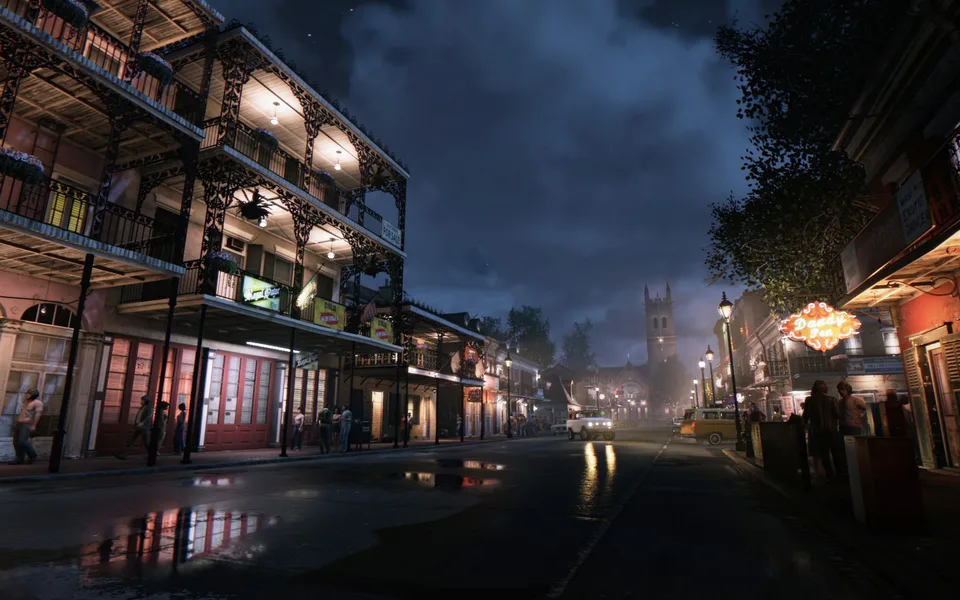
If you have ever felt that the standard third-person camera in Mafia III detaches you from the gritty atmosphere of New Bordeaux, the community-created First Person Mod is likely the solution you are looking for. Originally developed to provide a more immersive driving experience, this mod allows players to switch the camera perspective while behind the wheel.
It is important to clarify that this mod is currently focused specifically on vehicle perspectives. While many players hope for a full first-person experience including on-foot segments, the current version (v 1.2) is limited to the driver's seat. By shifting the camera to a driver-side or middle-view position, the mod significantly changes how you navigate the city, making high-speed chases and casual drives feel much more intense.
Installation and Setup
To get started with the mod, you will need to download the files from a trusted source, such as the Video Game Mods community platform. Since this is a third-party modification for the PC version of the game, ensure your game files are clean before proceeding with any manual modifications.
The installation typically involves replacing specific camera files within your game directory. Because the creator offers multiple camera configurations—including driver-side and middle-view options—you should carefully read the included README file. Always back up your original game files before overwriting them. If the mod does not behave as expected or if you wish to revert to the default camera, having a backup ensures you can restore your game to its original state without needing a full re-installation.
Exploring Camera Options
The mod provides several distinct camera presets, allowing you to tailor the driving experience to your preference. Understanding these options will help you decide which configuration suits your playstyle:
Driver Side Camera: This setting places the camera closer to the driver's window. It offers a more authentic "behind the wheel" feel, though the creator notes that it may occasionally collide with the player model or not fit perfectly with every vehicle in the game.
Middle Camera: A more centralized view that provides a clearer look at the dashboard and the road ahead. This is generally more stable across a wider variety of vehicle models.
Look Back Camera: An optional feature that can be enabled or disabled depending on the version you download. This allows you to check your mirrors or look behind you while driving, which is essential for evading police or rival gangs.
Managing Known Issues and Limitations
As with many community-driven projects, there are a few technical limitations and bugs that players should be aware of. According to community reports and the mod's documentation, the "driver-side" camera may experience minor clipping issues with the player character model depending on the size of the vehicle.
Furthermore, some users have reported that the camera perspective does not perfectly align with the interior geometry of every car in the game. Another minor immersion-breaker is the "rain" effect; in some instances, weather effects may appear to clip into the interior of the vehicle while in first-person mode. These are known quirks of the modification and are expected when adjusting camera parameters that were not originally designed for a first-person view by the developers at Hangar 13.
Future Development and Community Support
The modding community remains active, and there is continued interest in expanding these features. While the current version focuses on vehicle cameras, future iterations mentioned by the creator include plans for camera improvements and, eventually, a first-person option for on-foot exploration.
If you encounter issues or have feedback, engaging with the modding community on platforms like Video Game Mods is the best way to support the creator. Remember to always respect the creator's terms regarding re-uploads and credits. By supporting the modders, you contribute to the longevity of the game and encourage further development of tools that keep the experience fresh for long-time players.
FAQ
Can I use this mod on consoles?
No, this modification is designed for the PC version of the game via Steam. It cannot be installed on console versions of Mafia III.
Does this mod enable first-person view while walking?
No, the current version of the mod (v 1.2) is strictly limited to vehicle cameras.
Is this mod compatible with other gameplay mods?
Compatibility depends on whether other mods modify the same camera or vehicle files. If you experience crashes or visual glitches, it is recommended to test the mod on a clean installation of the game first.